
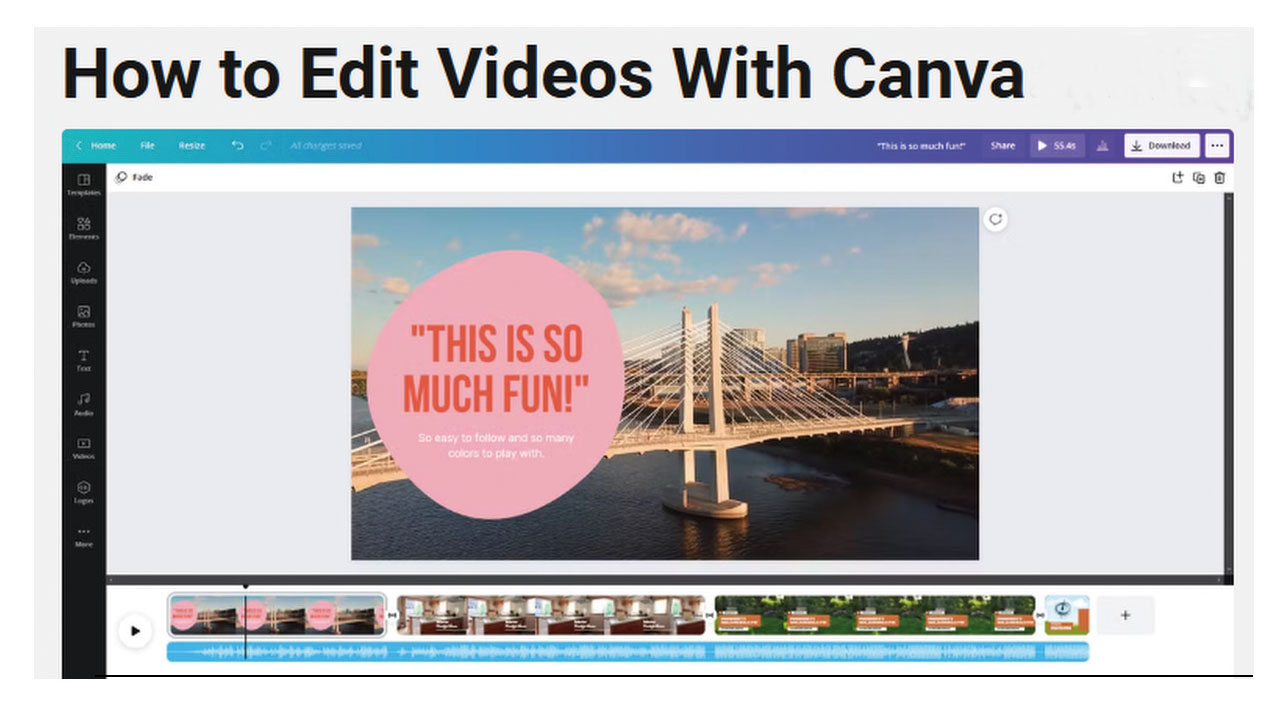
Editing video with Canva is fast and fun. And it’s easier than you think! Club President Jonathan Williams (photo below) will teach you how in three 90-minute Friday morning sessions, starting March 21. Click below to view, print, or download flyer.

Classes will be held from 9:30 to 11 am on Friday, March 21, 28, and April 4 in the Video Lab. Use Video Lab PC or Mac computers or bring your own laptop or tablet.
For information and to register, send your name, email, and phone number to videocluboflagunawoods@gmail.com. Cost for the three sessions is $15 for club members, $30 for non-members (included 2025 club membership)..
FOUR STEPS TO BEGIN YOUR VIDEO EDITING JOURNEY
- Collect what you need to tell your story (including photos, video clips, music, narration, memorabilia, and content of all kinds.
- Upload your media to Camva and even add voiceover narration.
- Design your video to be interesting, exciting, and informative.
- Publish and share your video for others to enjoy
BENEFITS OF LEARNING CANVA
Canva has taken the graphics world by storm, earning a top rating from PC Magazine and many others.
- Easy-to-use, free online tool (with optional fee to upgrade features).
- Begin with no prior video editing experience.
- Build skills and confidence in video creation.
- Discover Artificial Intelligence (AI) tools like Magic Media.
- Access Canva’s library of templates and media (including images, videos, sounds, music, graphic designs, picture frames).
- Works on MacOS, PCs, Smartphones, and Tablets.
 videocluboflagunawoods.com
Leave a comment