
VIDEO EDITING is the key to fully using video — and it’s easy to learn the basics.
Take charge of those video clips from your vacation, your grandson’s birthday party, your friend’s band! Don’t leave video unheard and unseen in your camera or smartphone. Instead, turn those clips into short entertaining videos to share with family and friends via YouTube and other online methods. The Video Club will teach you how.
Plan to attend one of these two introductory classes:
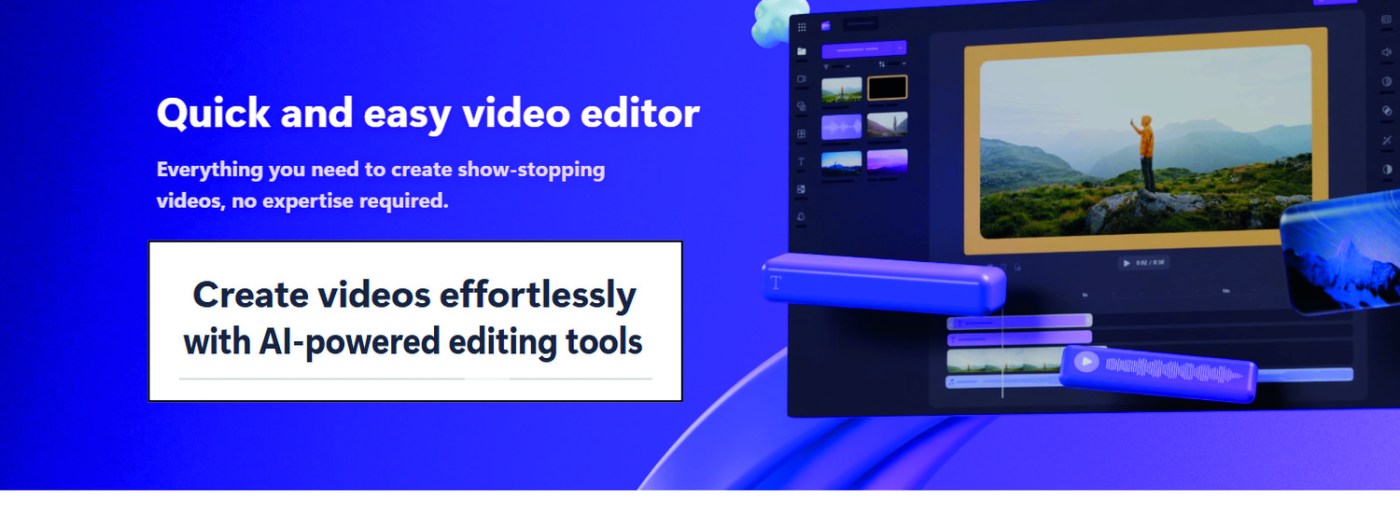
For PC Users: “Unleash Your Creativity with Clipchamp.” (See Clipchamp graphic above.)
Fridays, September 12, 19, 26, 2025 in the Video Lab, 10-11:30 am. Taught by Dr. Tom Nash and Jonathan Williams (below, left to right).
Cost is $15 for members, $30 for non-members (includes 2025 club membership). Pay at the first class meeting.
For more info or to reserve your place in class, email your name, email address, and phone number to tomnash36@gmail.com and mention Clipchamp in your email.



Microsoft’s easy-to-learn online video editor, Clipchamp, is available FREE — built into Windows 11 and downloadable for Windows 10. A Premium version is available for a small extra charge. Every version offers:
- Easy editing: Trim, rotate, enhance, and more.
- AI video editor: Auto compose videos.
- Free filters and effects: Background removal and more.
- Basic stock media: Audio, video, graphics and stickers.
- AI text to speech: AI voiceovers in over 80 languages.
- AI subtitles: With smart voice detection.
- Up to 1080p HD export.
space
_______________________
For Mac Users: “Video Editing with iMovie”
Mondays, September 15, 22, and 29, 2025 , in the Video Lab, 10-11:30 am. Taught by Marsha Berman and Lili Green (below, left to right).
Cost is $15 for members, $30 for non-members (includes 2025 club membership). Pay at the first class meeting.
For more info or to reserve your place in class, email your name, email address, and phone number to videocluboflagunawoods@gmail.com and mention iMovie in your email.



space
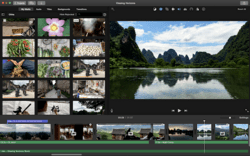
iMovie is Apple’s justly-famous video editor available FREE on every Mac computer — and also available for iPhones and iPads. iMovie is user-friendly for both beginners and those with some editing experience, allowing you to import and edit video clips; add titles, music, and effects; and create polished movies and trailers, including those in 4K resolution. You’ll edit quickly and easily with iMovie!
 videocluboflagunawoods.com
Leave a comment